fairese.com is my company and the home of my active product work.
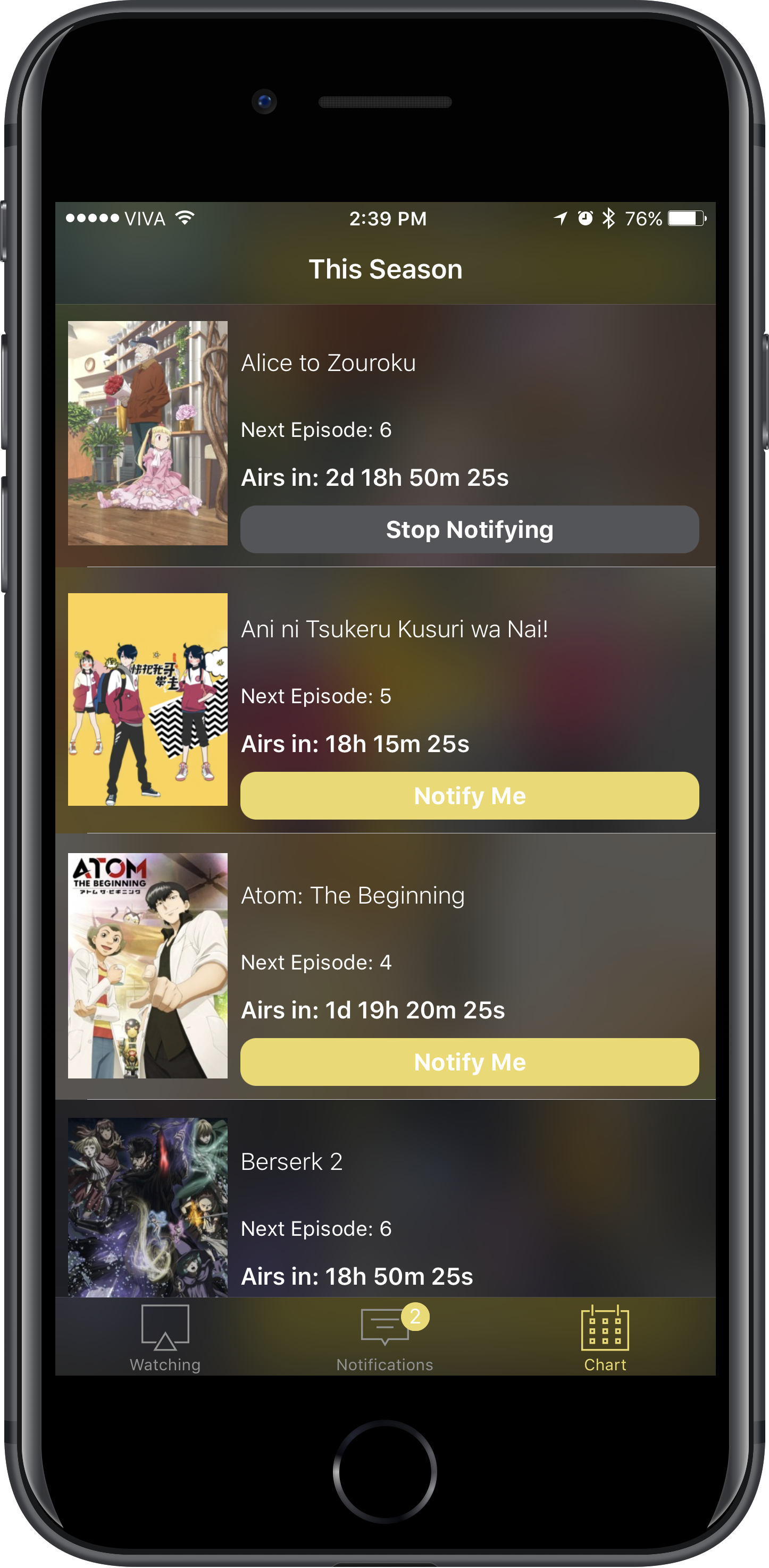
Through Fairese, I build and maintain current products, including apps like Silvianna and Mignori. It is also where I take on professional iOS development work when there is a good fit.
Going forward, Fairese is the project entry for my active products. The rest of this projects section remains as legacy work: older apps, tools, and experiments that are part of my history, but are no longer the main place where new product development happens.
Anilist is the popular website for anime and manga fans, where you can keep track of your favorite series, or discover something new to watch or read.
Silvianna comes packed with power features for list management. The app allows you to modify anything about items on your list as long as it is supported by Anilist.
FEATURES:
Friendly on the smallest iPhone and the biggest iPad.
Keep track of series that are currently airing easily. Series that you haven’t watcheda all the episodes of and are currently airing will have a visible red banner telling you how many episodes behind you are, making it easy to keep track of everything you watch.
When you finish watching a series, you will automatically be prompted for the rating. You no longer need to navigate through different screens if you weren’t able to rate something you watched.
When rating a series, it will use the rating system currently set in your Anilist account. It doesn’t matter if you are using the standard 10 point system, 10 point decimal system, 5-star system, or even the Emoji system - Silvianna supports all the rating systems provided by Anilist.
If your rating system supports Advanced Scoring, Silvianna will grab your parameters and you will be able to also perform advanced scoring according to your custom parameters.
You have access to your Anilist profile, so you can access your Manga and Anime lists easily and quickly.
Multiwindow support on the iPad.
You can search the entire Anilist database for Anime and Manga.
This is just the initial release of Silvianna, and we are excited to make the project grow with your feedback and ideas.
AIiCloudSync is a simple Package written in Swift to synchronize specific UserDefaults with the iCloud Key Value store (NSUbiquitousKeyValueStore).
To use this package, create a single instance of AIiCloudSync, and keep a reference to it. Once you create it, you don’t need to worry about it any longer. It will automatically sync changes between iCloud and your local UserDefaults through the lifetime of your application. You can optionally receive notifications when the iCloud Syncs change so you can react accordingly.
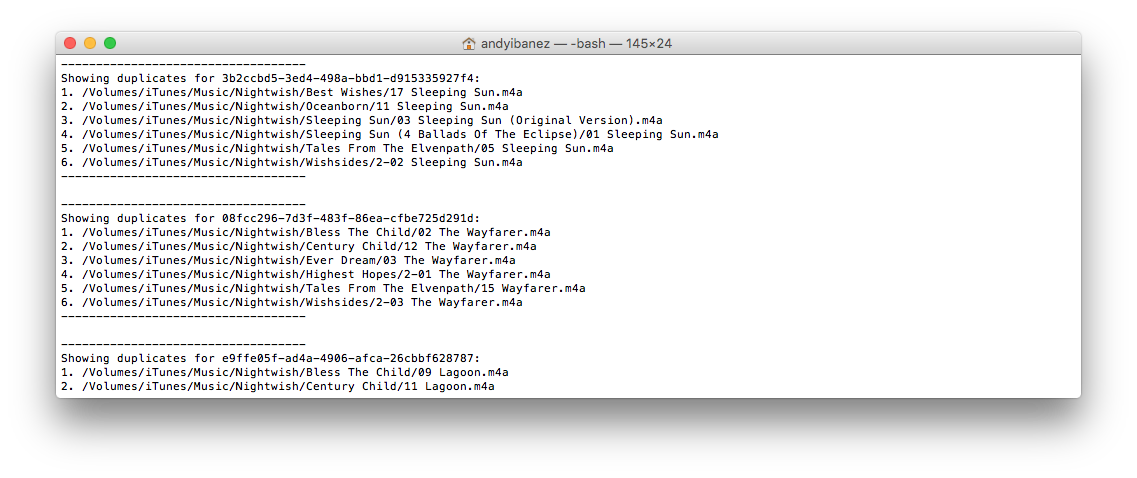
Command line tool to detect duplicate songs in OS X/macOS based on their Audio Fingerprints.
fsduplicates helps you find song duplicates recursively in any specific directory and output its findings in a different directory. With the generated results you can later analyse and take action on duplicate songs. The results are in plain text files, which you can analyse using any tool, like Unix standard commands, or fsduplicates’ tools.
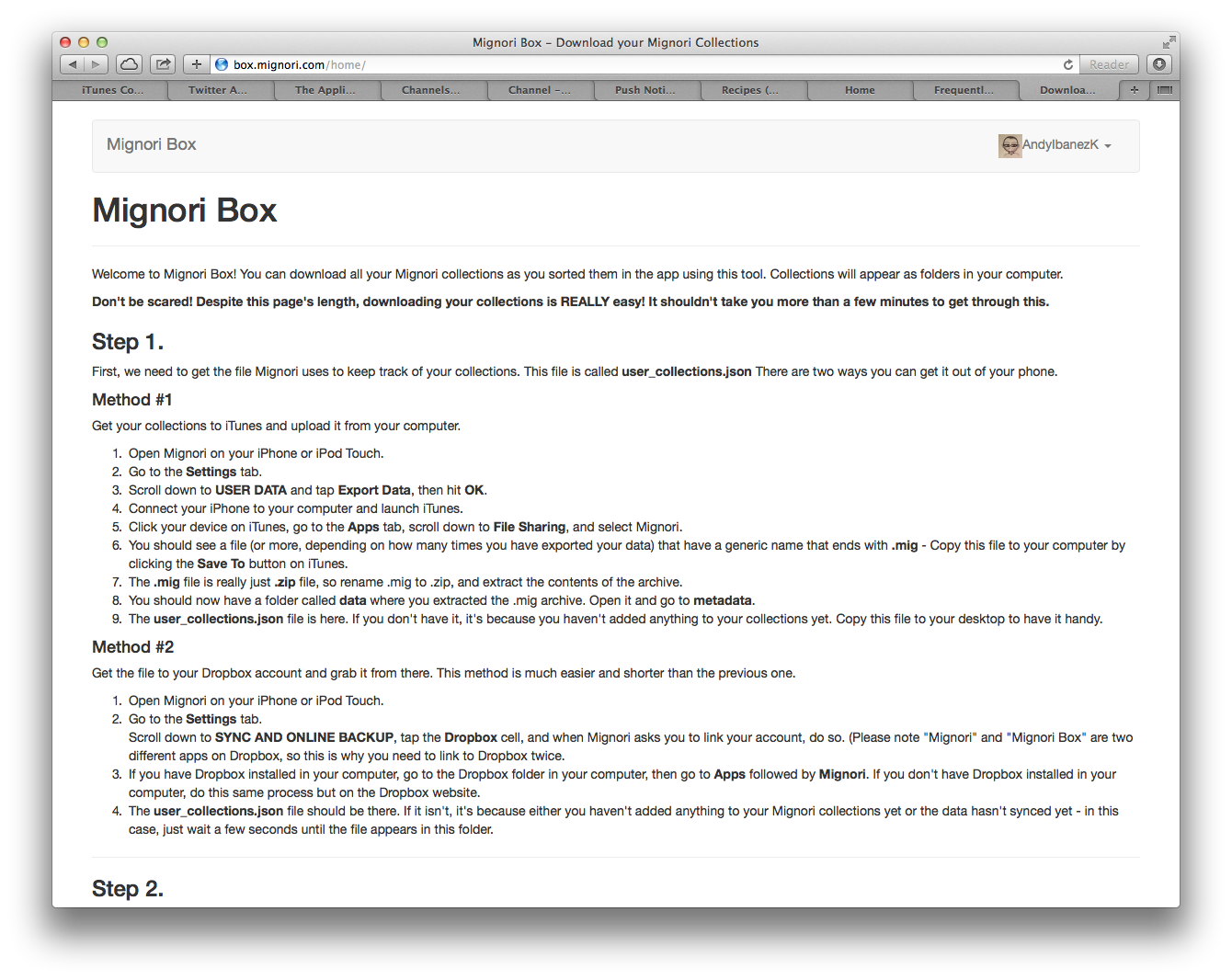
Mignori Box was a service to download your Mignori 1 collections to your computer.
The website was built using the classic web technologies. Twitter Bootstrap and jQuery for the front-end, PHP and even Bash for the backend. The site was hosted in a VPS provided by DigitalOcean.
Discontinued project, but a new version is in the works. Developed in 2014.
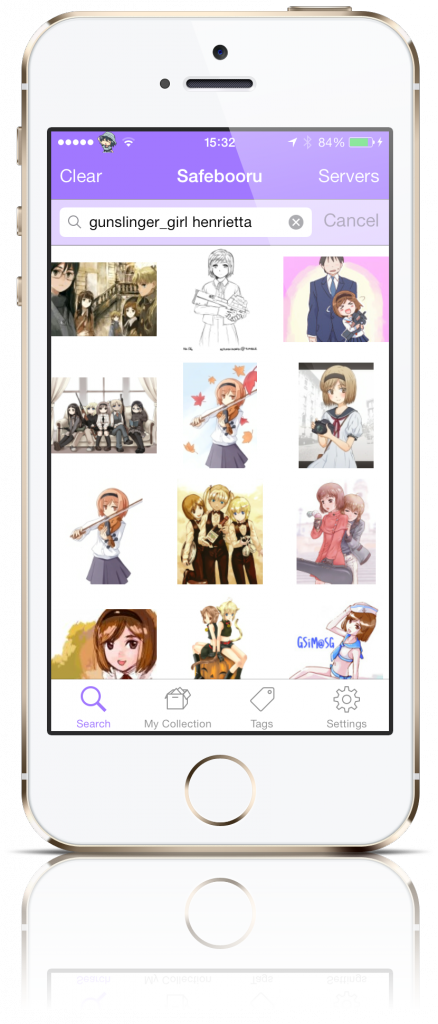
Mignori is a mobile client to use with -booru or -booru based sites (Gelbooru and Danbooru, to name a few).
A -booru imageboard is simply a board where people post pictures and tag with them relevant attributes. This allows other users to search for images in these boards and find images with the qualities they’re looking for.
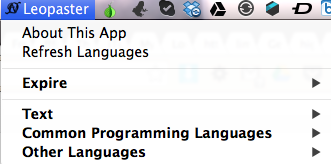
Quick Status Bar Menu on OS X that allows you to quickly paste code on @DHowett’s ghostbin.com.
ghostbin.com is a simple pasteboard service that allows people to paste code or any other text and to quickly share a link to them. These services allow developers to share code snippets faster to either request help with an specific piece of code, or to help others with theirs (Other uses may apply).
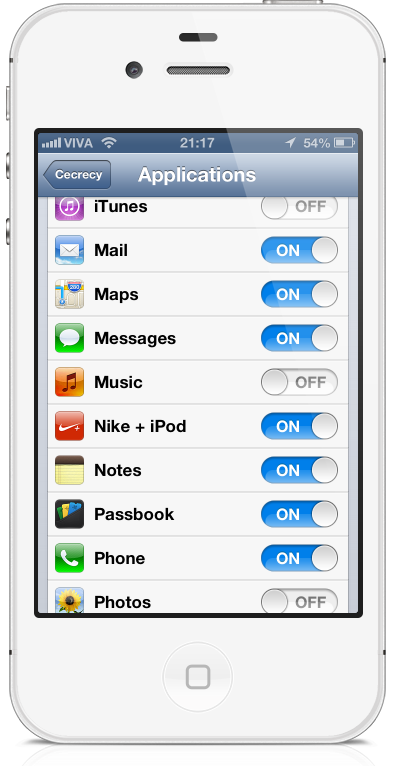
If you want to protect app data from your friends or family that are constantly asking for your iDevice, there are a couple of things you can do: You can tell them not to enter certain apps, empowering their curiosity and therefore exposing your private data, or you can passcode-lock certain apps, which if they see, they will just wonder what you’re hiding that they can’t see.
A friend of mine had his hardware ringer of his phone die on him. Because of that, toggling the ringer on and off was quite a chore for him. Without installing SBSettings or anything equivalent to that, he had to go to the settings app and toggle the ringer on and off there.
So he asked me to write an icon on SpringBoard that would toggle the ringer. And here it is. It’s a really, really simple tweak. In developer circles it probably isn’t worth anyone’s time. But anyway, I decided to release to the public and here it is.